
Hyundai Palisade (LX2): Rear climate control / Fan speed control, Temperature control
Fan speed control
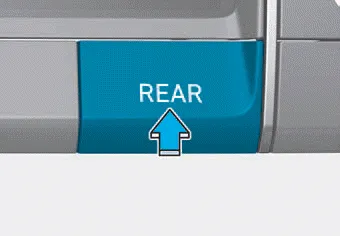
1. Press the rear climate control button of the front climate control system.
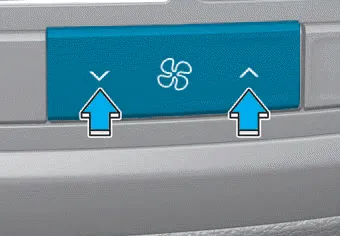
2. The fan speed can be set to the desired speed by pushing the fan speed control button. The higher the fan speed is, the more air is delivered. Pressing the OFF button turns off the fan.
Temperature control
1. Press the rear climate control button of the front climate control system.
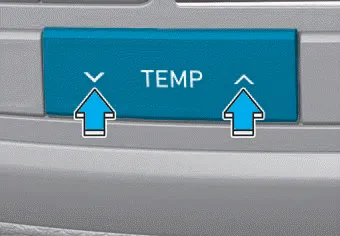
2. The temperature of delivered air can be set to the desired temperature by pushing the temperature control button.
Pressing the OFF button turns off the fan.
â– 2nd row air conditioning control 1. AUTO button 2. Temperature control button 3. Mode selection button 4. Fan speed control button 5. OFF button 6.
AUTO mode The rear automatic climate control system is controlled by setting the desired temperature. 1. Press the AUTO button. The modes, fan speeds, air intake and air-conditioning will be controlled automatically by the temperature setting you select.
Other information:
Hyundai Palisade (LX2) 2020-2026 Service Manual: Receiver-Drier
Repair procedures SReplacement 1. Remove the condenser. (Refer to A/C System - "Condenser") 2. Remove the cap (B) on the bottom of the condenser with an L wrench (A). Tightening torque : 2.
Hyundai Palisade (LX2) 2020-2026 Service Manual: Rear Corner Radar Unit
Specifications Specifications [BCW, BCA] Items Blind-Spot Collision Warning (BCW) Blind-Spot Collision- Avoidance Assist (BCA) Rated voltage DC 12V Operating voltage 9V - 16V Operating speed 30 km/h
Categories
- Manuals Home
- Hyundai Palisade Owners Manual
- Hyundai Palisade Service Manual
- Automatic Transaxle System (A8LF1)
- Cylinder Head
- Repair procedures
- New on site
- Most important about car
